













Fulfillment & Lead Time
Lead time and shipping options are confirmed during inquiry.

Brand & Distributor Terms
Eligibility, commercial terms, and any claim handling are confirmed during onboarding with brands and authorized distributors. Inquiry-only (no checkout)
Description
The video showcases the product in use.
The video guides you through product setup. The video compares multiple products. The video shows the product being unpacked. Sound quality PK: HY812 VS. other intercoms Merchant Video
Care Lives Here
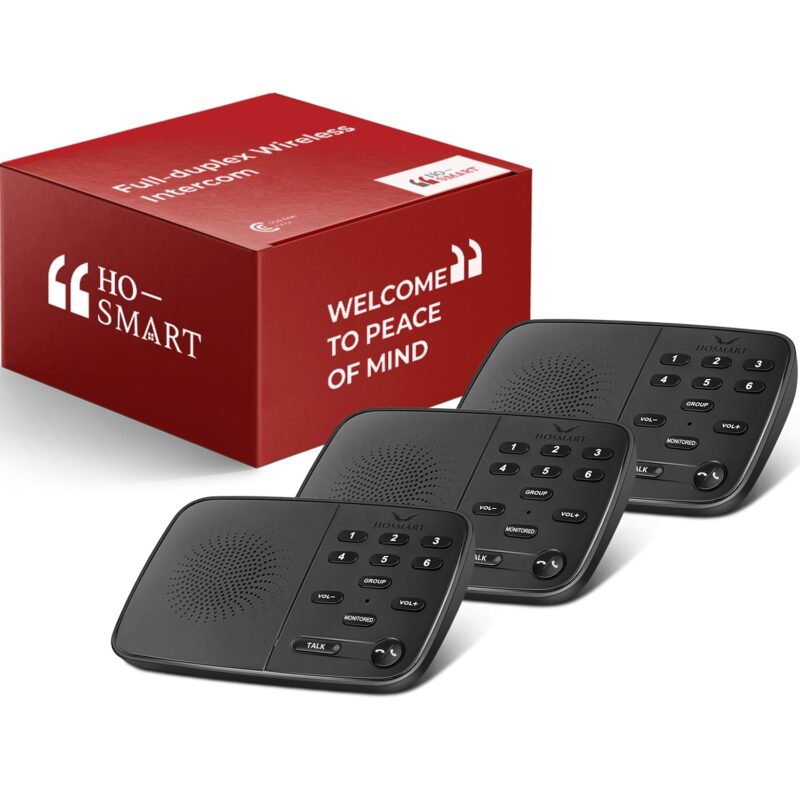
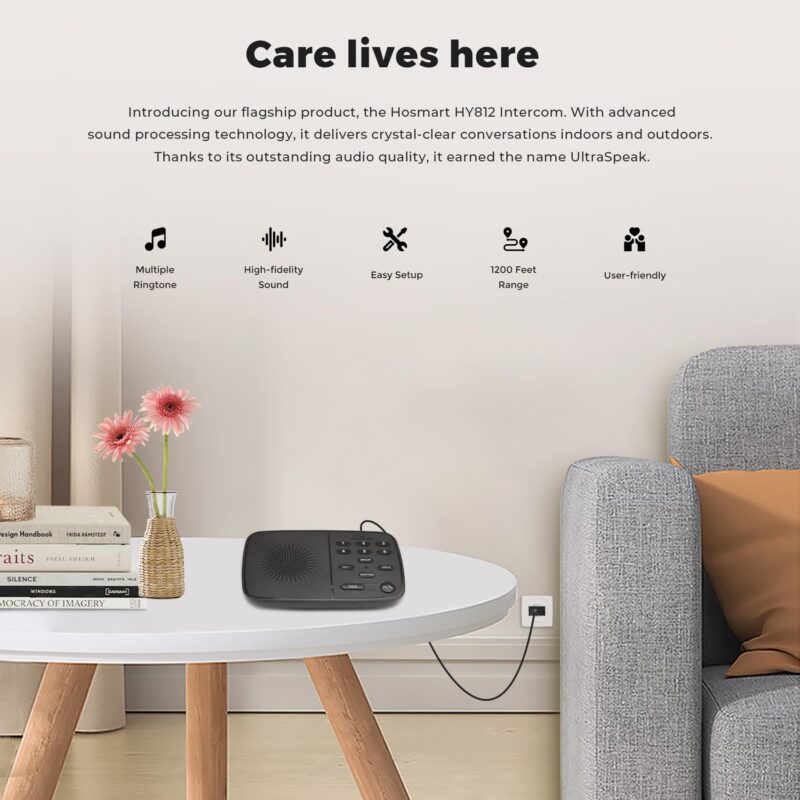
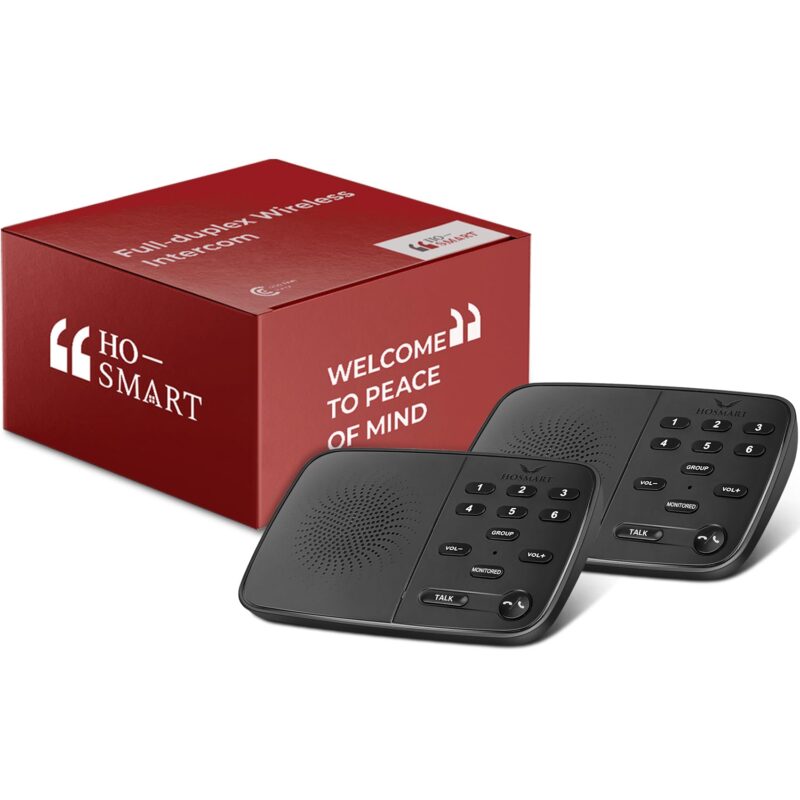
Hosmart HY812 Intercom is our flagship product, featuring cutting-edge advanced sound processing technology. Thanks to its outstanding audio quality and incredibly user-friendly design, it allows you to have crystal-clear indoor and outdoor conversations, earning it the name UltraSpeak.

Hosmart Intercom is happy to be your trusted home assistant.
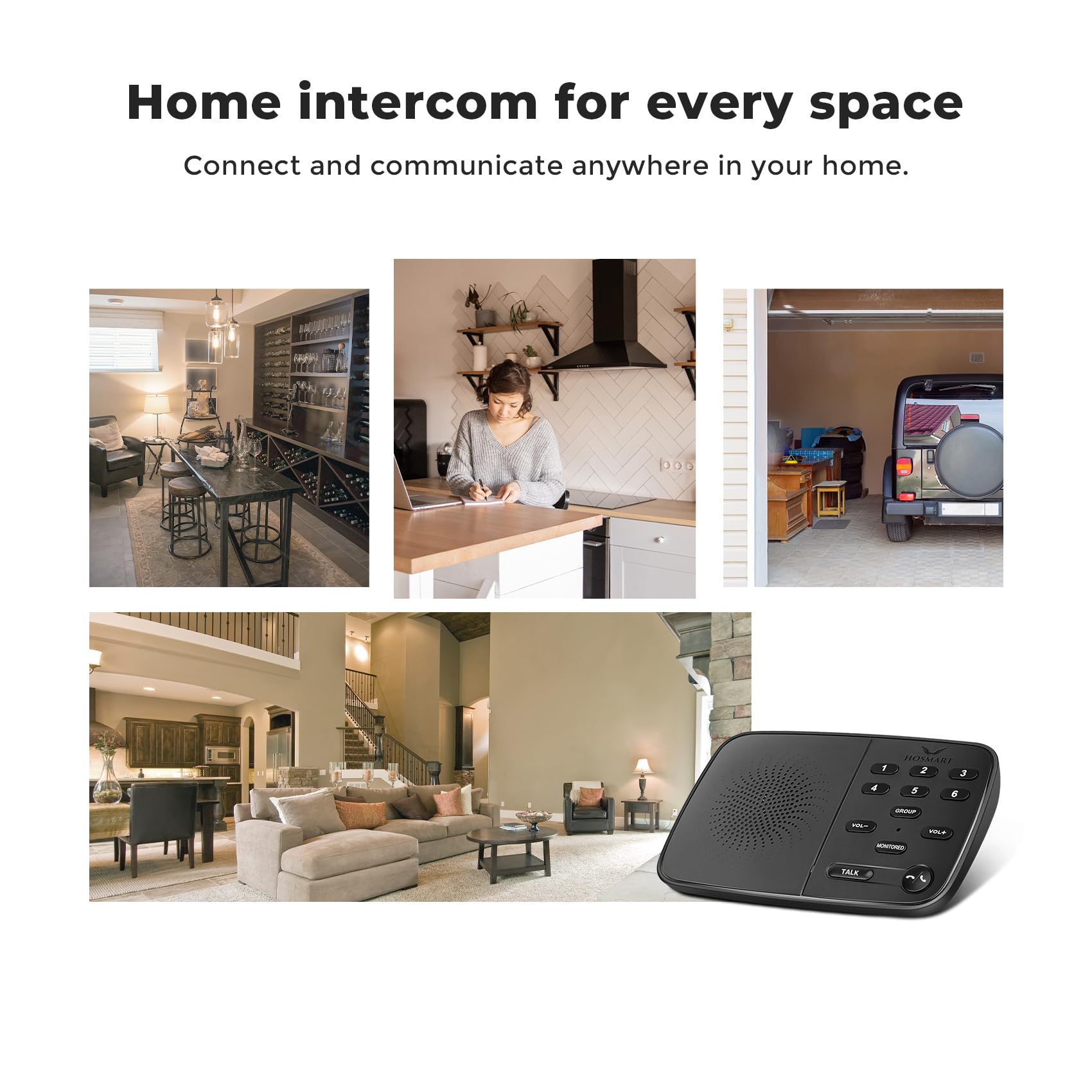
A family communication device to communicate with the family in a larger house. You can use it to call your kids down to dinner without yelling.

Bring Peace of Mind
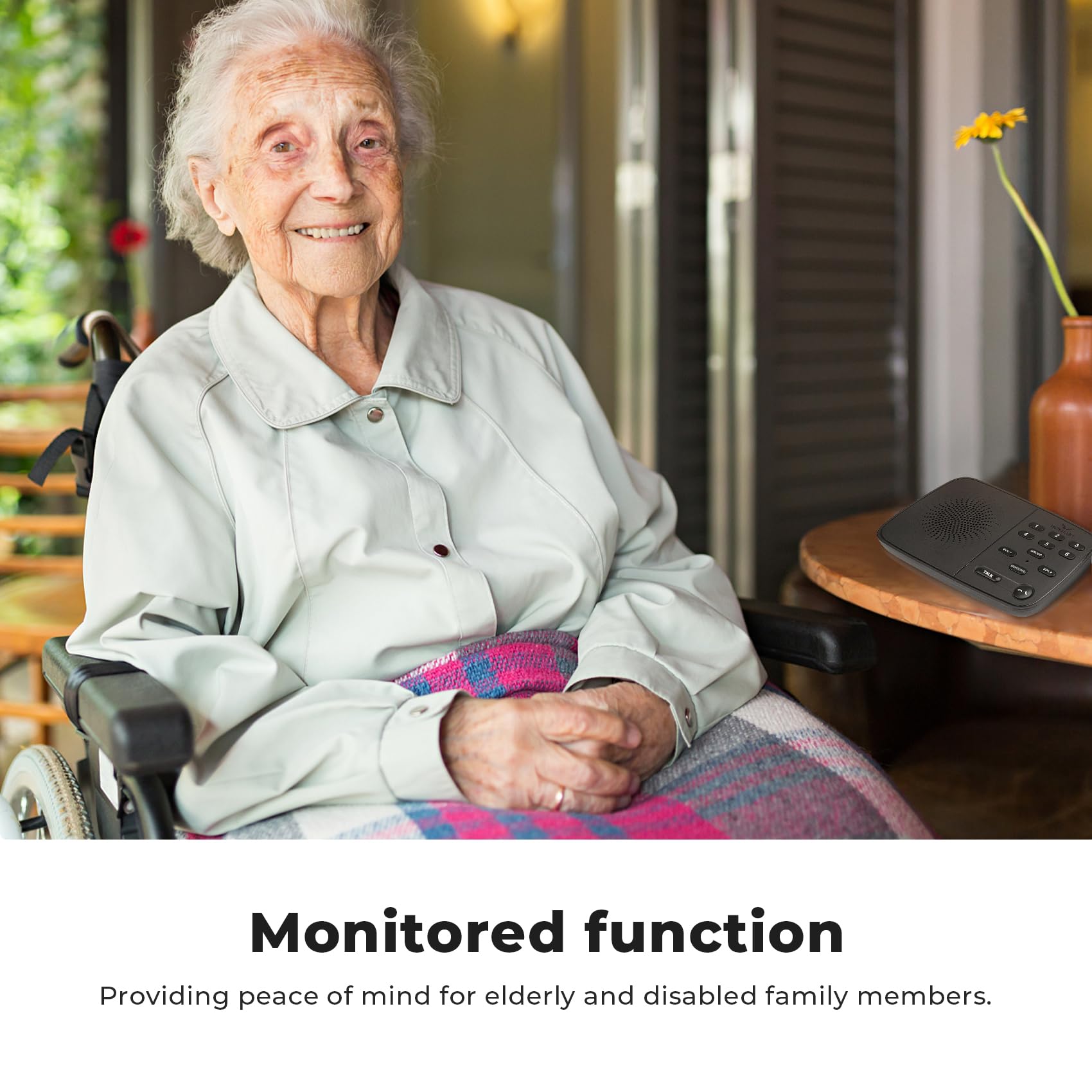
The monitoring function is exceptionally well-suited as an aid for children or the elderly, enabling them to seek assistance quickly and effortlessly. Rather than constantly running up and down the stairs, you can better take care of your loved ones. The monitoring function is designed to operate continuously without any time restrictions. It never automatically shuts off, providing you and your family with complete peace of mind and a sense of security.

Added Push-to-talk feature
Newly Upgraded! Many customers have suggested that we add a ‘PTT(push to talk)’ one-way walkie-talkie function. Previously, our two-way real-time full-duplex calling function required the other party to answer the call for communication, just like a phone call. Some customers suggested we retain full-duplex calling while adding a feature where you can talk by pressing the TALK button without needing the other party to answer. We have accomplished this. Now, you have two choices to communicate with others.

2
Easy to Use 3 Environmental Friendly


Do the intercoms need pairing to work? If I add extra units to the existing system, do they need pairing?
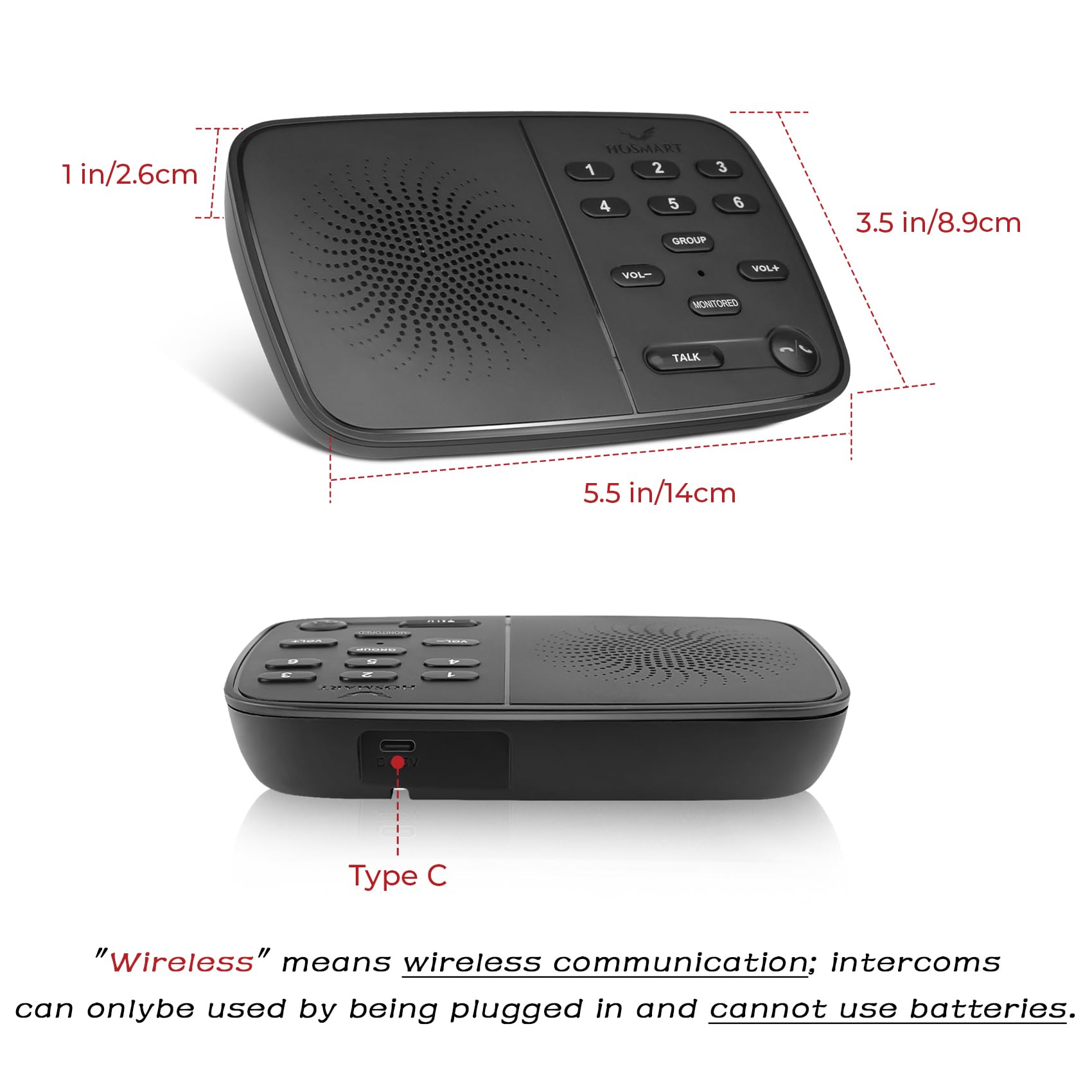
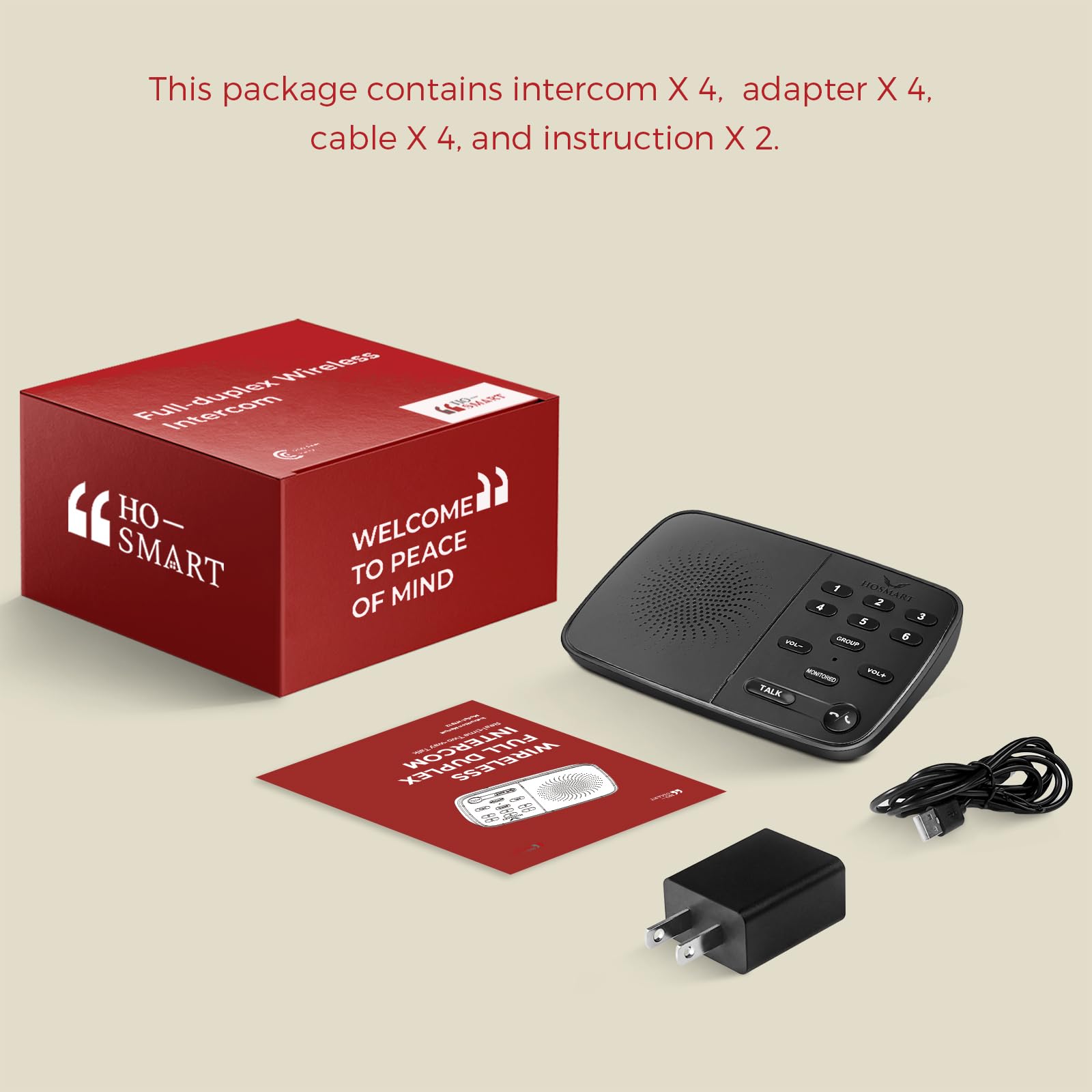
No. They’re pre-configured at the factory—just plug in the power and use them right out of the box. Adding extra intercoms also does not require pairing. It’s very user-friendly for first-time intercom users. Why can only one side be heard while the other side can’t hear? Your environment is too noisy, causing interference. For two-way (hands-free) talk, use a relatively quiet place (e.g., a room, living room, or garage). If you need to use it on a noisy jobsite, press and hold “Talk” while speaking for communication The call volume seems a bit low? The other person is likely too far from the microphone. We recommend speaking about 30 cm (12 in) from the mic for better pickup and clearer sound. Can the intercom use batteries? No. The intercom has no battery compartment. However, we include a charging cable and adapter with each unit, so you can plug it in and use it right out of the box. What is the Monitor function? How do I use it? The monitor feature must be started from the device being monitored, so you can’t listen to someone proactively. This protects privacy. For example, unit 1 must press the Monitor button first, then select channel 2. Only then can 2 start monitoring 1